What an Email QR Code Looks Like
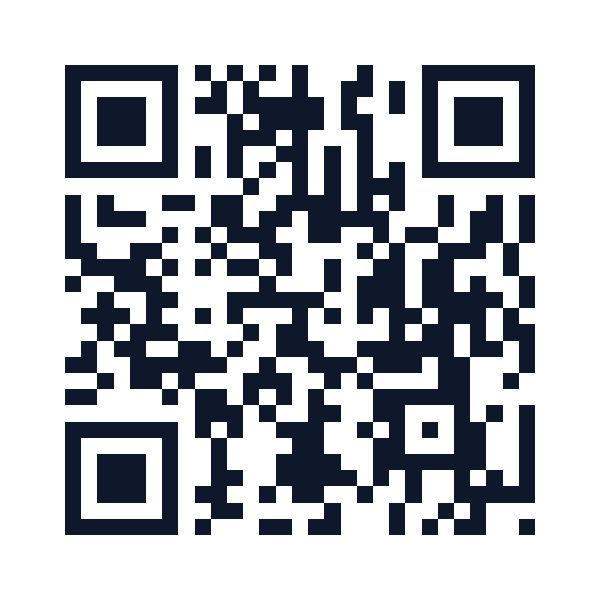
QR Code Pro is a $29 one-time email QR code generator, with no subscription and no recurring fee, that creates codes opening any email app with the To address, subject line, and message body already filled in. One scan and the email is ready to send. Works offline, needs no account, and the codes never expire.
Get Email QR Generator - $29 Once
Three fields. One QR code. The email app opens ready to send.
Type the recipient address, subject line, and any body text you want pre-filled. All three are optional: encode only what you need.
Add your logo, pick brand colors, choose PNG or SVG. The QR code generates instantly in your browser: no data sent to any server.
Put it on packaging, business cards, trade show materials. Customers scan and the pre-filled email opens instantly on their phone.
Any place you want to make it easy to contact you, without making someone type an email address.
Include on packaging with subject pre-filled to "Product Feedback." Customers scan, the email opens addressed and ready. More responses, less friction.
A QR code on your card that opens an email pre-addressed to you. No typos, no manual entry, just scan and contact.
Add to receipts or product inserts with "Support Request" as the subject. Customers get a direct line to support without searching for an email address.
Conference booth or event signage: scan to send a pre-written inquiry to your sales team. Capture leads with minimal friction.
Property listing signs: scan to email the agent with the property address pre-filled in the subject. Serious inquiries arrive with context already set.
Restaurant comment cards, hotel surveys, in-store feedback kiosks. Replace paper forms with a scan-to-email code that pre-fills the context.
Most QR platforms charge monthly. Email QR codes need no server; there's no reason to pay recurring fees.
An email QR code encodes a mailto: link with the recipient address, subject line, and body text pre-filled. When someone scans the code, their phone's default email app opens with those fields already populated; they just hit Send.
You can encode the recipient email address (To:), subject line, and message body text. All three fields are optional: create a QR code that just pre-fills the address, or one that includes a full draft message.
Yes. Email QR codes use the standard mailto: URI format, supported by every major email client on iOS, Android, and desktop. iPhone Camera, Android Camera, and any QR scanner app will open the email correctly.
Yes. The $29 one-time purchase includes commercial use rights. Use email QR codes on business cards, product packaging, brochures, trade show materials: no additional licensing required.
No. Email QR codes from QR Code Pro are static; the mailto: data is encoded directly in the image. No server dependency, no subscription needed to keep them working, no expiration date.
Email QR codes that pre-fill the address, subject, and body. Scan and send. $29 one-time, no subscription.
Buy Now - $29 OnceInstant download. Works on Windows, Mac, Linux, ChromeOS.